Crear Producto
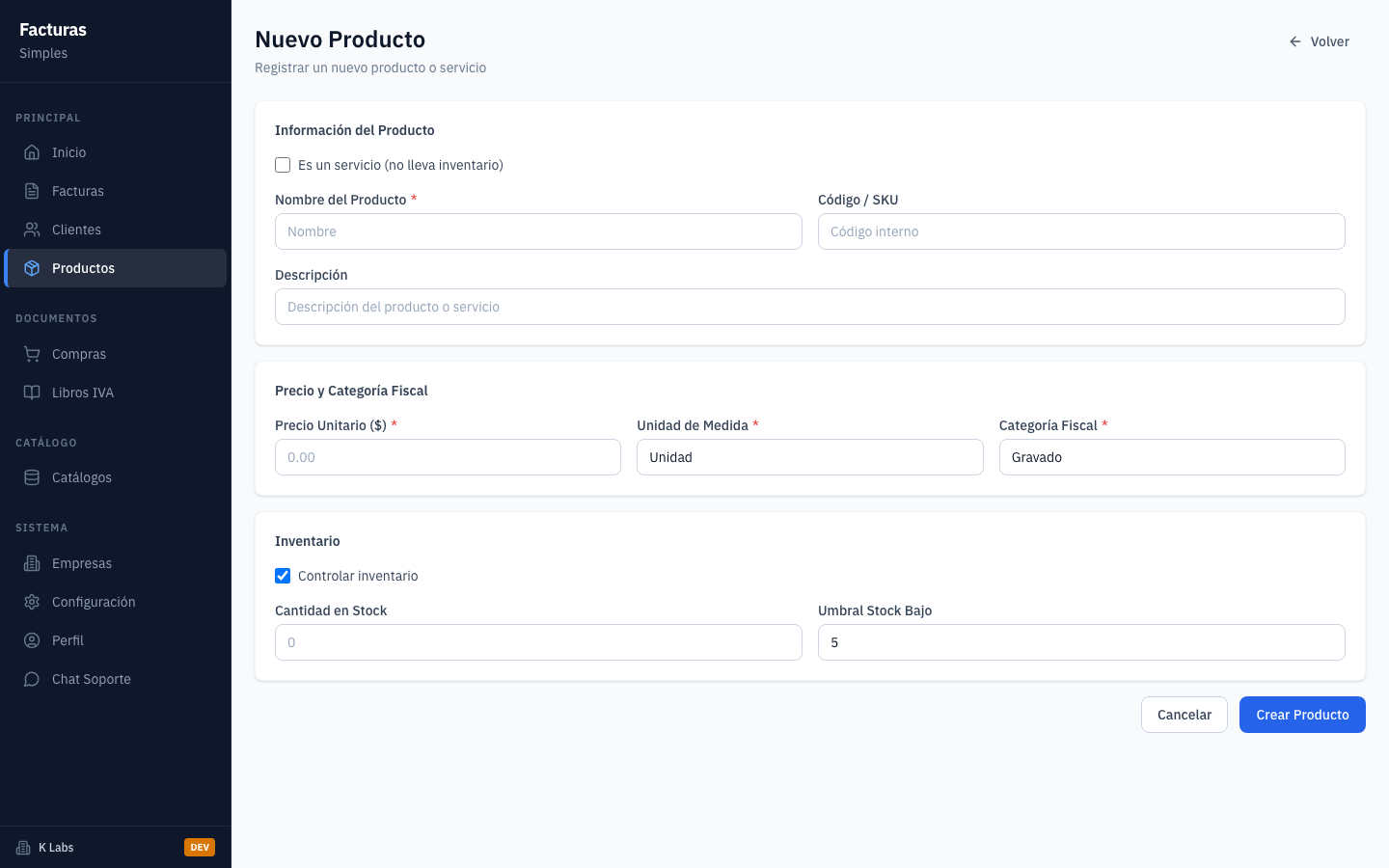
Registre un nuevo producto con nombre, descripcion, precio, IVA y stock.
1
Desde la lista, presione "+ Nuevo" para crear un producto.
2
Se abre el formulario "Nuevo Producto".
3
Por defecto, el tipo es "Producto" (con control de inventario).
4
Ingrese nombre y descripcion del producto.
5
Ingrese el precio unitario del producto.
6
El calculo de IVA (13%) se muestra automaticamente.
7
Ingrese el stock inicial disponible.
8
Presione "Guardar" para registrar el producto.
9
Producto registrado exitosamente en el catalogo.
10
products 03 create product form
products 03 create product form
1
Desde la lista, presione "+ Nuevo" para crear un producto.
2
Se abre el formulario "Nuevo Producto".

Se abre el formulario "Nuevo Producto".
3
Por defecto, el tipo es "Producto" (con control de inventario).
4
Ingrese nombre y descripcion del producto.
5
Ingrese el precio unitario del producto.
6
El calculo de IVA (13%) se muestra automaticamente.
7
Ingrese el stock inicial disponible.
8
Presione "Guardar" para registrar el producto.
9
Producto registrado exitosamente en el catalogo.
10
Add Product Tipo Picker

Add Product Tipo Picker
11
FormVal 20 Product Empty Form

FormVal 20 Product Empty Form
12
FormVal 21 Product All Fields

FormVal 21 Product All Fields
13
FormVal 23 Product Fields Filled

FormVal 23 Product Fields Filled
14
FormVal 22 Product Cancel

FormVal 22 Product Cancel
15
ProductDel 01 Created

ProductDel 01 Created
1
Desde la lista, presione "+ Nuevo" para crear un producto.
2
Se abre el formulario "Nuevo Producto".
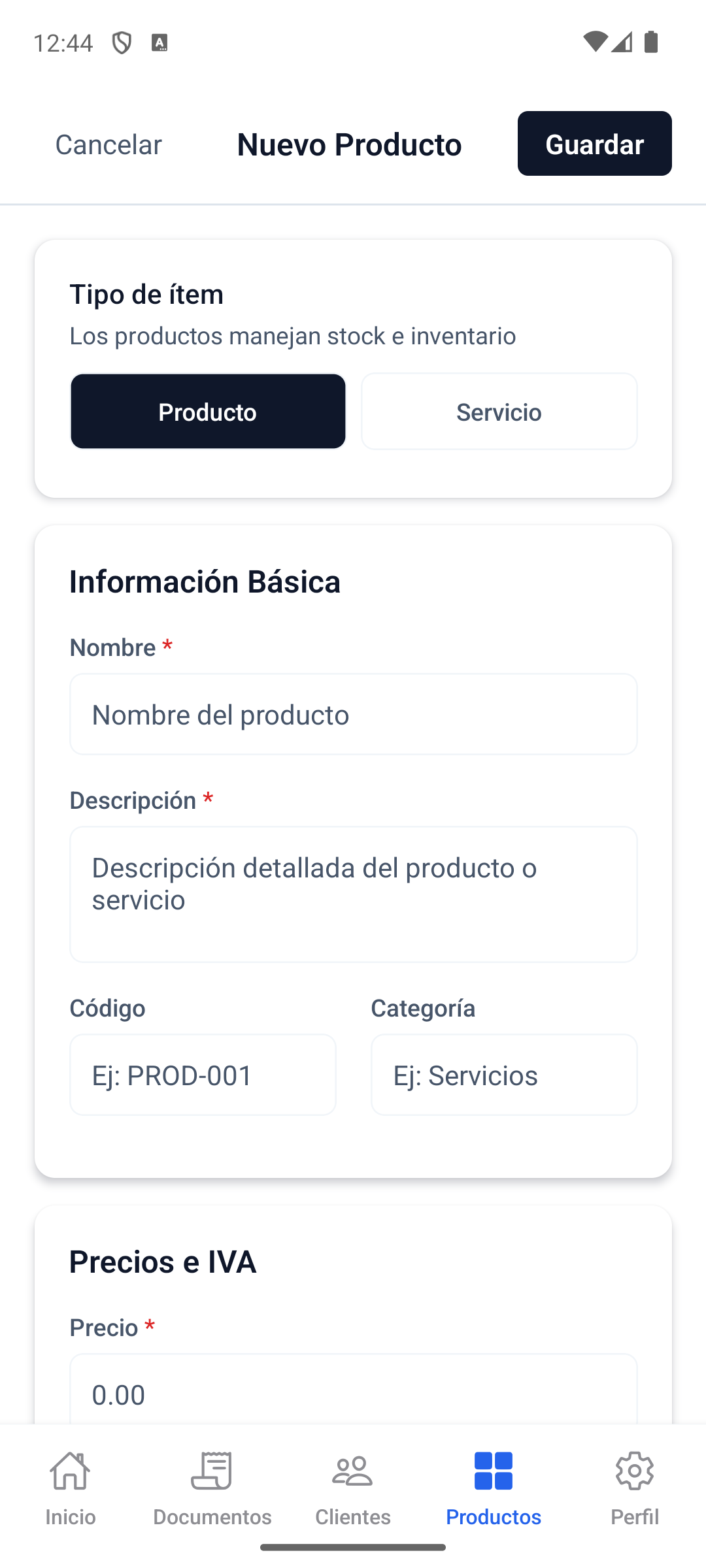
Se abre el formulario "Nuevo Producto".
3
Por defecto, el tipo es "Producto" (con control de inventario).
4
Ingrese nombre y descripcion del producto.
5
Ingrese el precio unitario del producto.
6
El calculo de IVA (13%) se muestra automaticamente.
7
Ingrese el stock inicial disponible.
8
Presione "Guardar" para registrar el producto.
9
Producto registrado exitosamente en el catalogo.
10
demo v5 06 new product filled
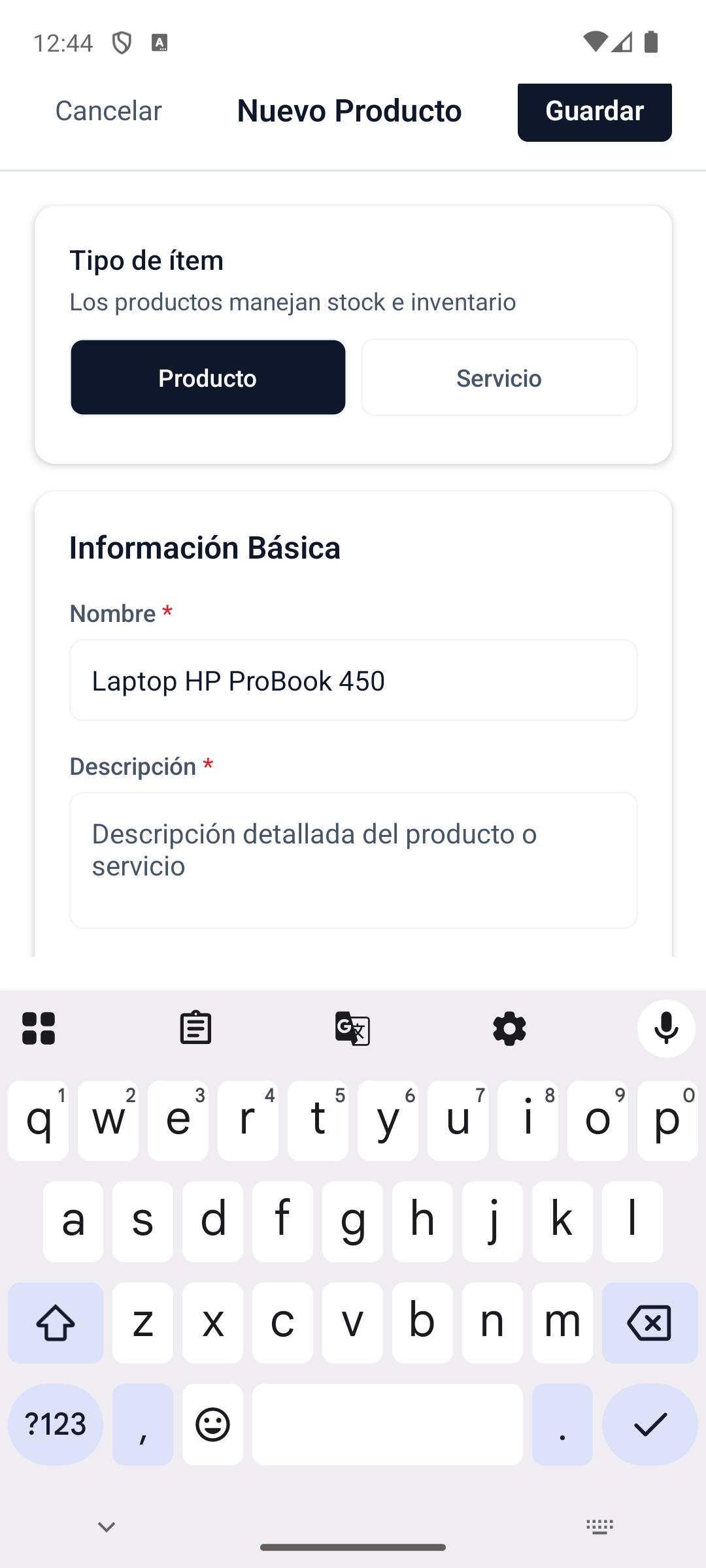
demo v5 06 new product filled
11
demo v5 07 product form final
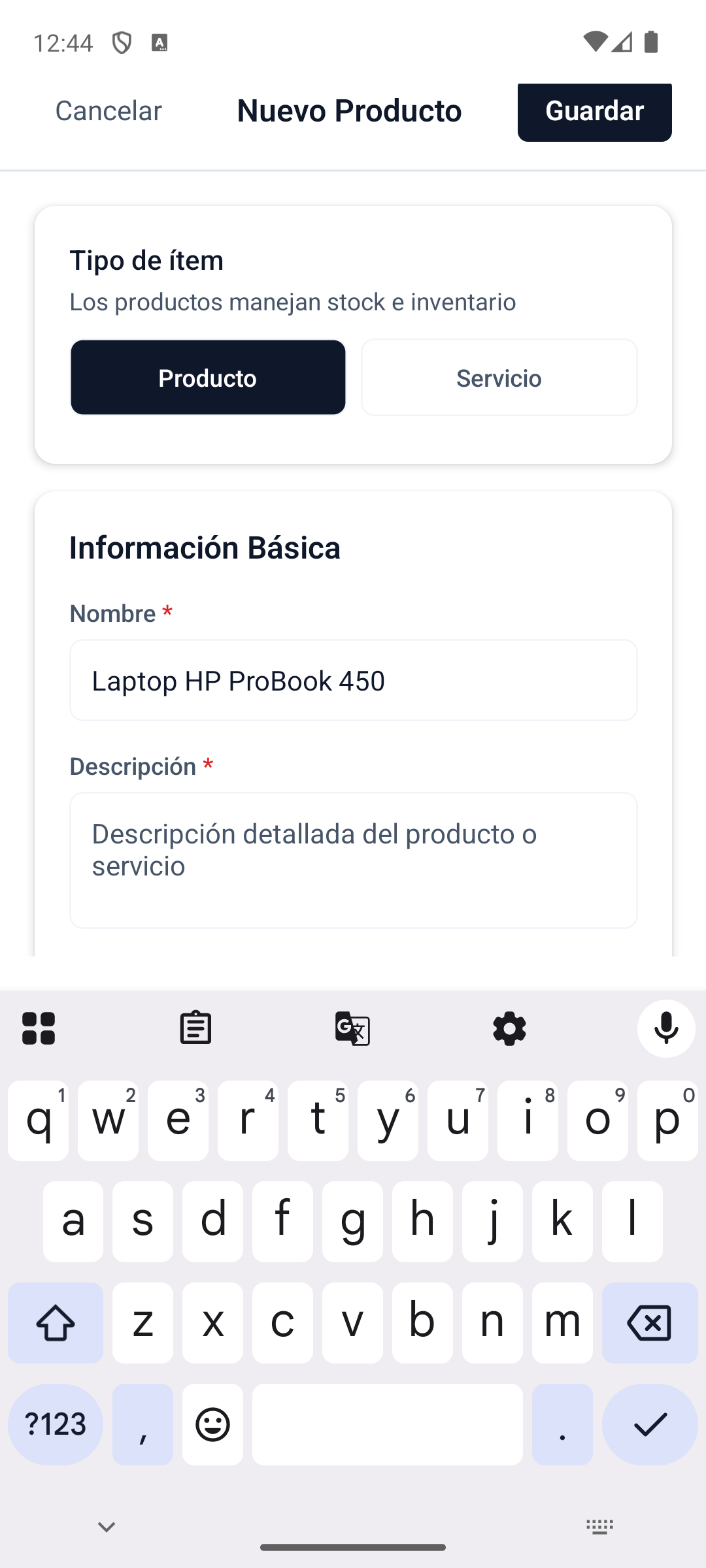
demo v5 07 product form final